ID Card Printer Maintenance: How to Extend Your Printer's Life
A practical guide to ID card printer maintenance, from cleaning routines to service plans, so your printer keeps producing clean cards for years.
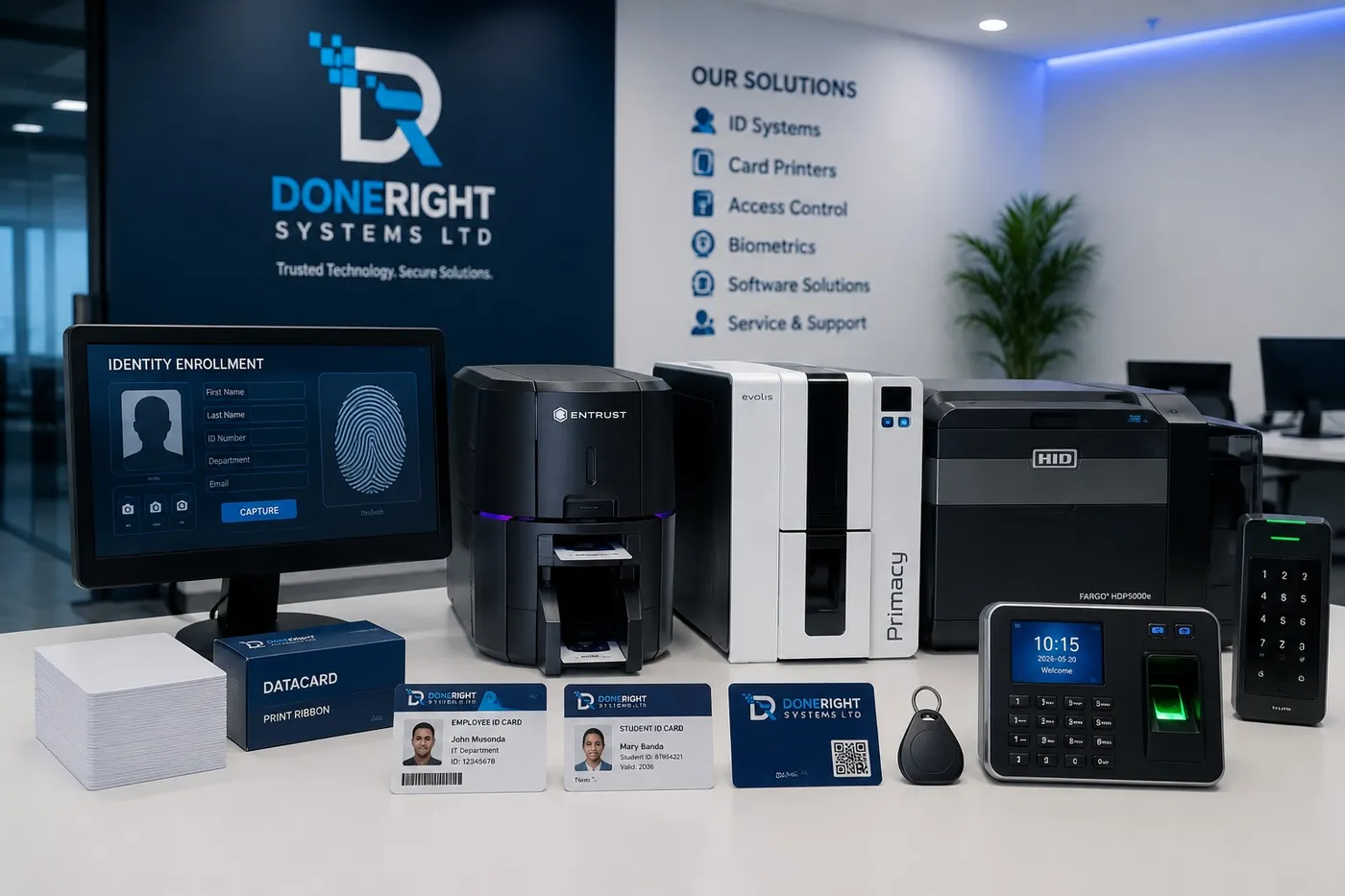
An ID card printer is a precision instrument, and like any precision instrument it rewards care and punishes neglect. Whether you issue student cards at a school, staff passes at a mine, or account cards at a bank, consistent ID card printer maintenance is the single biggest factor in print quality, running costs and how long your machine lasts. The good news is that most of it is simple, low-cost and takes only a few minutes. This guide walks through the routines that keep an Entrust, Zebra or Evolis printer running cleanly year after year.
Why Regular Cleaning Is the Heart of ID Card Printer Maintenance
Card printers work in dusty, high-traffic environments, and dust is their enemy. Every card picks up microscopic particles and every ribbon deposits residue. Left alone, this debris builds up on rollers and the printhead, and the results show up quickly on your cards.
Regular cleaning protects three things at once:
- Print quality. Dust and grime cause the most common defects: white lines or streaks, patchy colour, smudging and poor sharpness. A quick clean often fixes problems that look like hardware faults.
- Printhead life. The printhead is the most expensive wear part in the machine. Grit trapped against it acts like sandpaper, wearing out heating elements and creating permanent lines that no cleaning will remove.
- Card feed reliability. Clean, tacky rollers grip cards properly. Dirty rollers slip, causing misfeeds, double-feeds and jams that stall an issuance queue.
A sensible rule of thumb is to run a cleaning cycle every time you change the ribbon, and more often in dusty conditions. For a busy desk that can mean weekly; for a low-volume office, monthly may be enough.
Using Cleaning Kits and Cleaning Cards
Every major brand supplies a cleaning kit designed for its printers, and using the correct one matters. The consumables are matched to the printer's internal path, and the adhesives and solvents lift residue without damaging components.
A typical kit contains:
- Cleaning cards. Card-sized, either pre-saturated with isopropyl alcohol or coated with an adhesive. You feed them through so they collect debris from the rollers as they pass.
- Cleaning pens or swabs. Used to clean the printhead directly with isopropyl alcohol.
- Adhesive cleaning rollers or sleeves. On many models a sticky roller lifts dust off each card before it reaches the printhead, and is replaced periodically.
Always follow the sequence in your printer's manual, and only ever use isopropyl alcohol of a suitable grade. Household cleaners, water and other solvents can leave residues or corrode parts. Buy the cleaning supplies alongside your consumables so a routine is never skipped for lack of a card. Doneright Systems keeps genuine cleaning kits for Entrust, Zebra and Evolis printers in Lusaka stock.
Printhead Care and What Damages It
The printhead is a thin ceramic strip lined with tiny heating elements that transfer ink from the ribbon onto the card. It is delicate, and a handful of avoidable mistakes account for most premature failures.
What damages a printhead:
- Static discharge. Touching it with bare fingers can zap it with static. Always power off and, where possible, earth yourself before cleaning.
- Physical contact and grit. Fingernails, tools or trapped dust scratch the element line, producing permanent white lines on every card.
- Contaminated or warped cards. Dirty, oily, previously printed or off-spec cards drag debris across the head and stress it.
- Skipping cleaning. Residue build-up makes the head run hotter and wear faster.
Good printhead care is mostly about restraint: power down before you touch anything, clean only with the correct pen or swab, let the alcohol evaporate fully before printing, and never scrape the surface. Handle cards by the edges and keep the input hopper covered. Treated this way a printhead can last through many ribbons; abused, it can fail in weeks.
Storing Cards and Ribbons Correctly
Consumables are sensitive to their environment, and poor storage quietly undermines print quality before a card ever reaches the printer.
For blank cards:
- Keep them sealed until needed, in a cool, dry place out of direct sunlight.
- Avoid humidity, which can make cards stick together and feed poorly.
- Handle by the edges to keep fingerprints and oils off the print surface, and never use bent, cracked or dusty cards.
For ribbons:
- Store at a stable room temperature, away from heat, damp and direct sun, and keep them sealed until use.
- Let a cold ribbon acclimatise to room temperature before loading, and install ribbons soon after opening.
- Use ribbons in reasonable rotation rather than stockpiling for years, as very old ribbon can degrade.
Matching the right ribbon to the right card and printer also matters. Mismatched consumables cause poor adhesion, colour shifts and wasted cards, which is a good reason to source genuine, printer-matched supplies rather than unbranded stock.
Keeping Firmware and Drivers Updated
Maintenance is not only physical. The software side keeps a printer compatible, secure and printing correctly.
- Drivers let your computer and card-design software talk to the printer. Out-of-date drivers cause colour errors, failed print jobs and problems after operating-system updates.
- Firmware is the software inside the printer itself. Updates fix bugs, improve reliability, add support for new ribbons or encoding, and close security gaps.
A few sensible habits go a long way:
- Check the manufacturer's site periodically, or ask your supplier, for updates for your model.
- Only install firmware from the official source for your exact model, as the wrong file can disable a printer, and never interrupt an update.
- Test on a spare card after any update to confirm colour and encoding are correct.
If you are unsure, this is a good task to hand to your supplier. Doneright can advise on the right firmware and driver versions and carry out updates as part of ongoing support.
Recognising When a Printhead or Roller Needs Replacing
Even with excellent care, wear parts eventually reach the end of their life. Knowing the signs saves you from chasing faults that cleaning cannot fix.
A printhead may need replacing when there are persistent white lines or gaps in the same position on every card even after a thorough clean, a steady decline in sharpness or colour that new ribbon does not restore, or visible scratches on the element line. A roller may need replacing when you see repeated misfeeds or jams despite cleaning, cards slipping or arriving skewed, or marks transferred onto cards that cleaning does not remove.
Use this quick reference to decide your next step:
| Symptom | Likely cause | First action |
|---|---|---|
| Streaks or patchy colour | Dirty printhead or rollers | Run a cleaning cycle |
| White line in the same spot every card | Worn or damaged printhead | Plan a printhead replacement |
| Frequent misfeeds or jams | Worn or dirty feed rollers | Clean first, then replace if it persists |
| Colour errors after an update | Driver or firmware issue | Check and reinstall correct versions |
Replacing a printhead or roller is straightforward for a trained technician but easy to get wrong, particularly the delicate printhead, so it is best left to an authorised service provider using genuine parts.
The Value of a Service Plan or SLA
For any organisation that depends on issuing cards, from a bank branch to a government office, downtime is the real cost. A service plan or Service Level Agreement (SLA) turns maintenance from a scramble into a predictable, managed process.
A good service plan typically includes:
- Scheduled preventive maintenance and professional deep cleaning.
- Priority support and agreed response times when something goes wrong.
- Genuine consumables and spare parts through official channels, plus firmware and driver updates handled for you.
The value is straightforward. Preventive care catches wear before it becomes a failure, genuine parts protect your warranty and print quality, and a guaranteed response time means a broken printer does not halt issuance for days. For fleets across several sites, an SLA also gives you one accountable point of contact instead of many.
Getting Authorised Service and Support in Zambia
Good ID card printer maintenance is a partnership between careful daily habits and expert support when you need it. Doneright Systems Limited, based in Lusaka, sells, installs and trains on ID card printers from Entrust, Zebra and Evolis, and supplies genuine consumables and cleaning kits from local stock. Our team provides authorised service, repairs and tailored SLAs, so whether you run one desktop printer or a fleet across several sites, your issuance keeps moving.
To discuss a maintenance plan, order genuine consumables or arrange a repair, request a quote or advice from Doneright Systems today.
Planning an ID card or security rollout?
Tell us what you are issuing, securing or tracking. A specialist responds within one business day.
- Genuine stock
- Zambia-wide delivery
- Local support
ID Card Printer Ribbons Explained: YMCKO, Monochrome and More
A plain-English guide to ID card printer ribbons, from YMCKO full-colour to monochrome and specialty types, so you order the right consumable and budget accurately.

Setting Up In-House ID Card Issuance: A Step-by-Step Guide
A practical, step-by-step guide to standing up your own in-house ID card issuance, from card design and printer choice to operator training and support.
Why the HDP6600 is The Best 600 DPI Re-Transfer ID Card Printer
This article highlights the HDP6600 as the top re-transfer printer for efficient Zambia-based business operations with strong security and reliability features.