
Setting Up In-House ID Card Issuance: A Step-by-Step Guide
A practical, step-by-step guide to standing up your own in-house ID card issuance, from card design and printer choice to operator training and support.
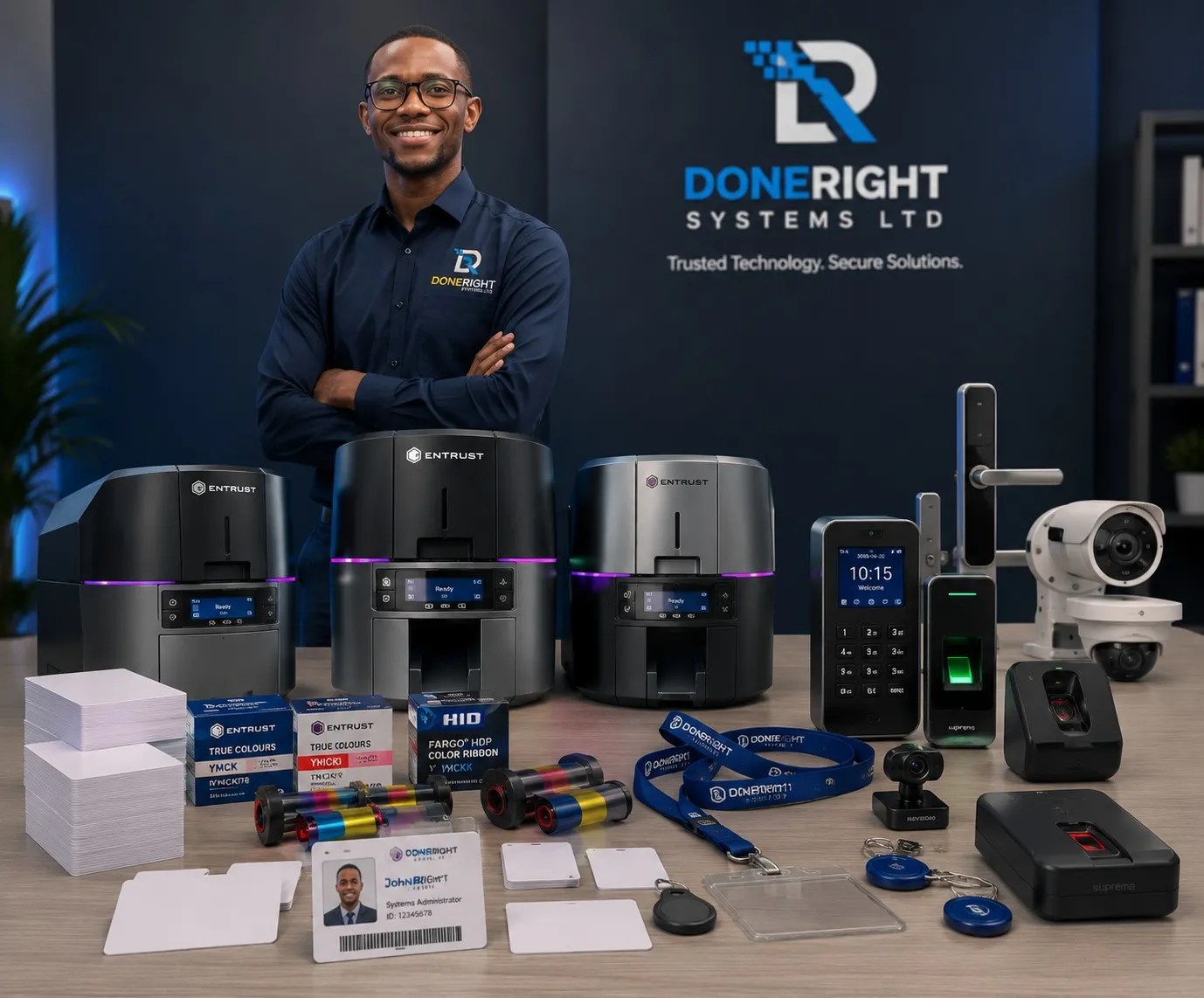
Many organisations in Zambia still send their ID card work to a third party, waiting days for a batch of staff badges, student cards or member IDs. Bringing that work in-house changes the picture entirely. When you set up in-house ID card issuance, you control the design, the data and the delivery, printing a card in minutes rather than waiting on an outside vendor. This step-by-step guide walks through the practical decisions, from choosing hardware to training operators, so you can stand up a reliable issuance capability with confidence.
Why set up in-house ID card issuance
Outsourcing card production can work for a one-off run, but it rarely suits an organisation that issues cards regularly. Choosing to set up in-house ID card issuance delivers four clear advantages.
- Control. You own the design, the cardholder database and the approval process, so changes to a template or policy take effect immediately.
- Speed. A new hire, student or member can walk away with a finished card the same day, and replacements for lost cards are just as fast, which matters for access control.
- Cost. For any meaningful volume, printing on your own equipment usually works out cheaper per card once you account for the repeated fees and delays of outsourcing.
- Security. Sensitive personal data never leaves your premises. You decide who can capture data, approve records and print cards, and can add security features on your own terms.
For banks, mines, government departments, schools, NGOs and businesses in Zambia, these benefits compound quickly. The steps below set out how to build the capability.
Step 1: Define your card design and data
Before you buy anything, decide what the card must do and show, as this shapes every later choice.
Start with the visible design. List the fields that appear on the card: name, photo, job title or role, identification number, department, expiry date and any logos. Decide whether you need printing on one side or both.
Then define the data behind the card. Decide where cardholder records will live, whether a spreadsheet, a membership system or an HR database, and keep that data clean and consistent.
Finally, decide on security level. Cards range from simple printed badges to credentials that carry electronic data and physical security features. Common options include:
- Visual security: holographic overlays, microtext, UV-visible elements and guilloche patterns.
- Electronic security: magnetic stripe, contact smart chip, or contactless technology for access control and cashless systems.
Setting these requirements first prevents costly mistakes later.
Step 2: Choose printer, encoding and software
With requirements clear, match hardware to need. The main choice is between two printing methods.
| Method | Best suited to | Notes |
|---|---|---|
| Direct-to-card (DTC) | Everyday staff, student and member cards | Lower cost per card; a thin unprinted border remains at the edge |
| Retransfer | Cards needing edge-to-edge print, chips or high durability | Higher quality and durability; higher initial investment |
Doneright Systems supplies and installs printers from Entrust (including the Sigma and Artista ranges), Zebra and Evolis, from modest desktop units to high-volume and high-security models.
Consider these factors when choosing:
- Volume. Higher card volumes justify faster printers and larger input hoppers.
- Single or dual-sided. Duplex printers print both sides automatically.
- Encoding. If your cards carry a magnetic stripe, smart chip or contactless technology, the printer needs the matching encoding module fitted.
- Software. Card design and issuance software ties the system together, pulling data, placing it on the template and sending jobs to the printer. Choose software that suits your record volume and any database connection you need.
If you are unsure which combination fits, get advice before committing, as the right specification saves money over the system's life.
Step 3: Capture photos and data
A card is only as good as the information on it, so enrolment deserves care.
For photographs, a consistent setup produces uniform results:
- A dedicated camera or a good webcam at a fixed position.
- A plain background, ideally a light grey or blue backdrop.
- Even, front-facing lighting to avoid harsh shadows.
Position the subject the same way every time so all cards look consistent.
For data capture, decide how records enter the system. You might type details in directly, import them in bulk from a spreadsheet, or connect the software to an existing database. Whichever route you choose, build in a check so someone verifies each record before printing. Catching a misspelt name or wrong ID number here is far cheaper than reprinting.
Step 4: Set up card design software and templates
With hardware in place and data flowing, build the template that turns records into cards.
- Design the layout. Place the logo, photo box, text fields and any security artwork where they belong, and lock the fixed elements so operators cannot move them by accident.
- Map the data fields. Link each text and image field to the matching field in your database, so the correct name, number and photo drop into place for every cardholder.
- Configure encoding. If your cards carry a chip or stripe, set the software to write the right data during printing.
- Print test cards. Run several samples, check colour, alignment and readability, and adjust before committing to a full batch.
A well-built template is the single biggest time-saver in day-to-day issuance: get it right once and every card that follows is quick and consistent. Where you use several card types, for example staff, contractor and visitor, create a template for each.
Step 5: Stock the right cards and ribbons
Even the best printer stops the moment it runs out of consumables, so manage stock deliberately.
- Blank cards. Standard cards are the familiar credit-card size (often called CR80). Match the type to your needs: plain cards for visual-only badges, or cards with a magnetic stripe or embedded chip where you need encoding.
- Ribbons. Full-colour ribbons are used for photo ID cards, while monochrome ribbons suit text-only cards and cost less. Each ribbon prints a set number of cards, so plan quantities around your volume.
- Cleaning kits. Cleaning rollers and cards keep print quality high and protect the printhead, one of the most valuable parts of the machine.
Use only genuine consumables matched to your printer model. Non-genuine ribbons are a common cause of poor print quality, printhead damage and voided warranties. Doneright Systems keeps genuine Entrust, Zebra and Evolis cards and ribbons in Lusaka stock, so you can replenish without long lead times and keep a modest buffer on hand.
Step 6: Train operators and set issuance controls
Technology is only half of a working system; the people and rules around it matter just as much. Train your operators on the full routine:
- Capturing photos and data to a consistent standard.
- Loading cards and ribbons correctly.
- Running print jobs and handling reprints.
- Routine cleaning and basic troubleshooting.
Alongside training, put issuance controls in place so cards are only produced for the right people:
- Approval workflow. Require a named approver to sign off a record before it can be printed.
- Access rights. Restrict who can log in, edit records and print, ideally with individual user accounts.
- Card stock security. Store blank cards and ribbons in a locked area, and log cards issued, spoiled and destroyed.
- Card lifecycle. Define how lost cards are reported, deactivated and replaced.
These controls turn a printer into a trustworthy issuance system, which is exactly what auditors, regulators and security teams expect to see.
Step 7: Ongoing support and maintenance
An ID card system is a long-term asset, and a little routine care keeps it reliable for years. Build simple maintenance into your operation:
- Clean the printer on the manufacturer's recommended schedule, and more often in dusty environments.
- Keep firmware and software reasonably up to date.
- Reorder consumables before you run out, not after.
- Note your settings and templates so the system can be rebuilt quickly if a machine is replaced.
This is also where a local partner earns its keep. Doneright Systems Limited, based in Lusaka, handles the whole lifecycle: supplying and installing the printer, training your operators, and providing ongoing support and genuine consumables from local stock. A supplier who advises on specification, keeps you stocked and steps in when something goes wrong removes most of the risk of running issuance yourself.
Conclusion
To set up in-house ID card issuance, work through it in order: define your design and data, choose the right printer and software, capture clean photos and records, build solid templates, stock genuine consumables, train operators with proper controls, and plan for ongoing maintenance. Follow those steps and you gain the control, speed, cost savings and security that outsourcing simply cannot match. If you would like help specifying a system or a hand getting started, request a quote from Doneright Systems and the Lusaka team will guide you to the right setup.
Planning an ID card or security rollout?
Tell us what you are issuing, securing or tracking. A specialist responds within one business day.
- Genuine stock
- Zambia-wide delivery
- Local support
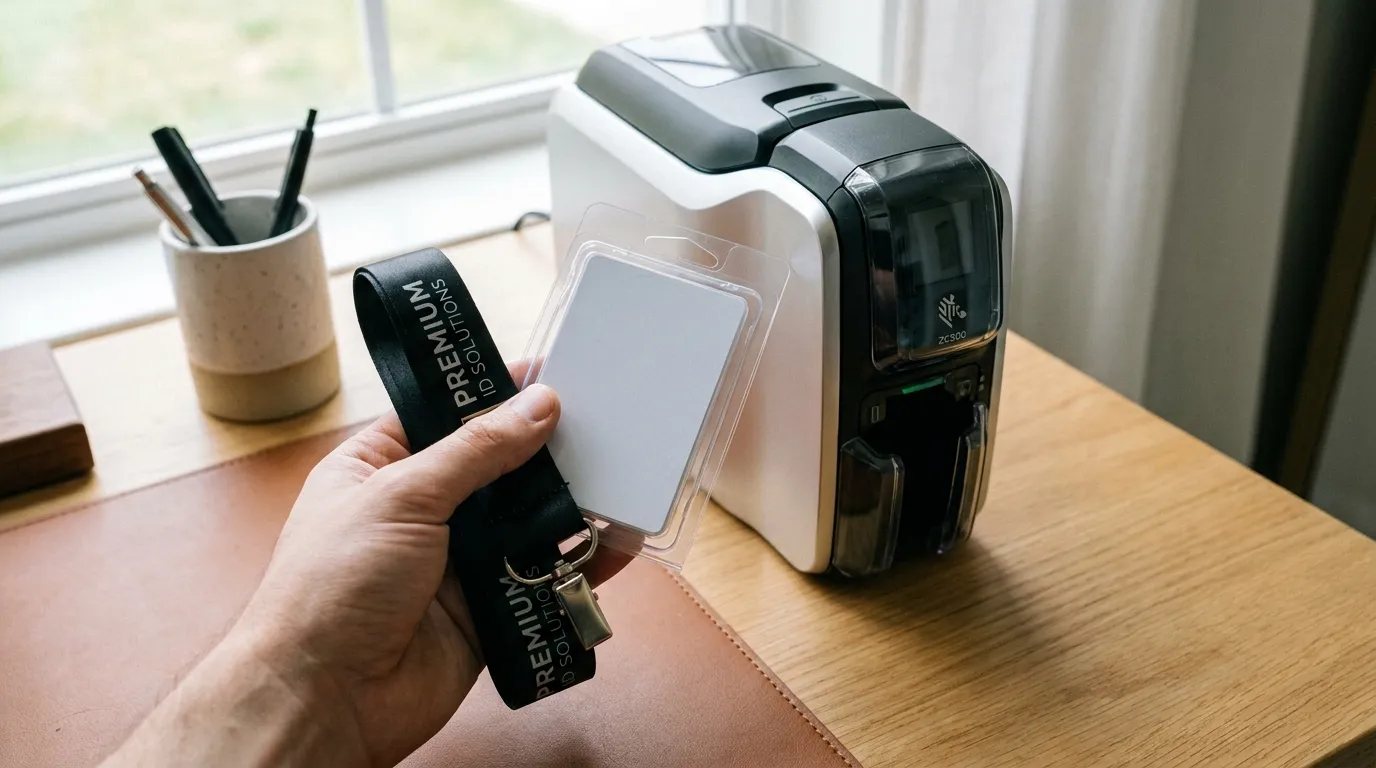
ID Card Printer Ribbons Explained: YMCKO, Monochrome and More
A plain-English guide to ID card printer ribbons, from YMCKO full-colour to monochrome and specialty types, so you order the right consumable and budget accurately.
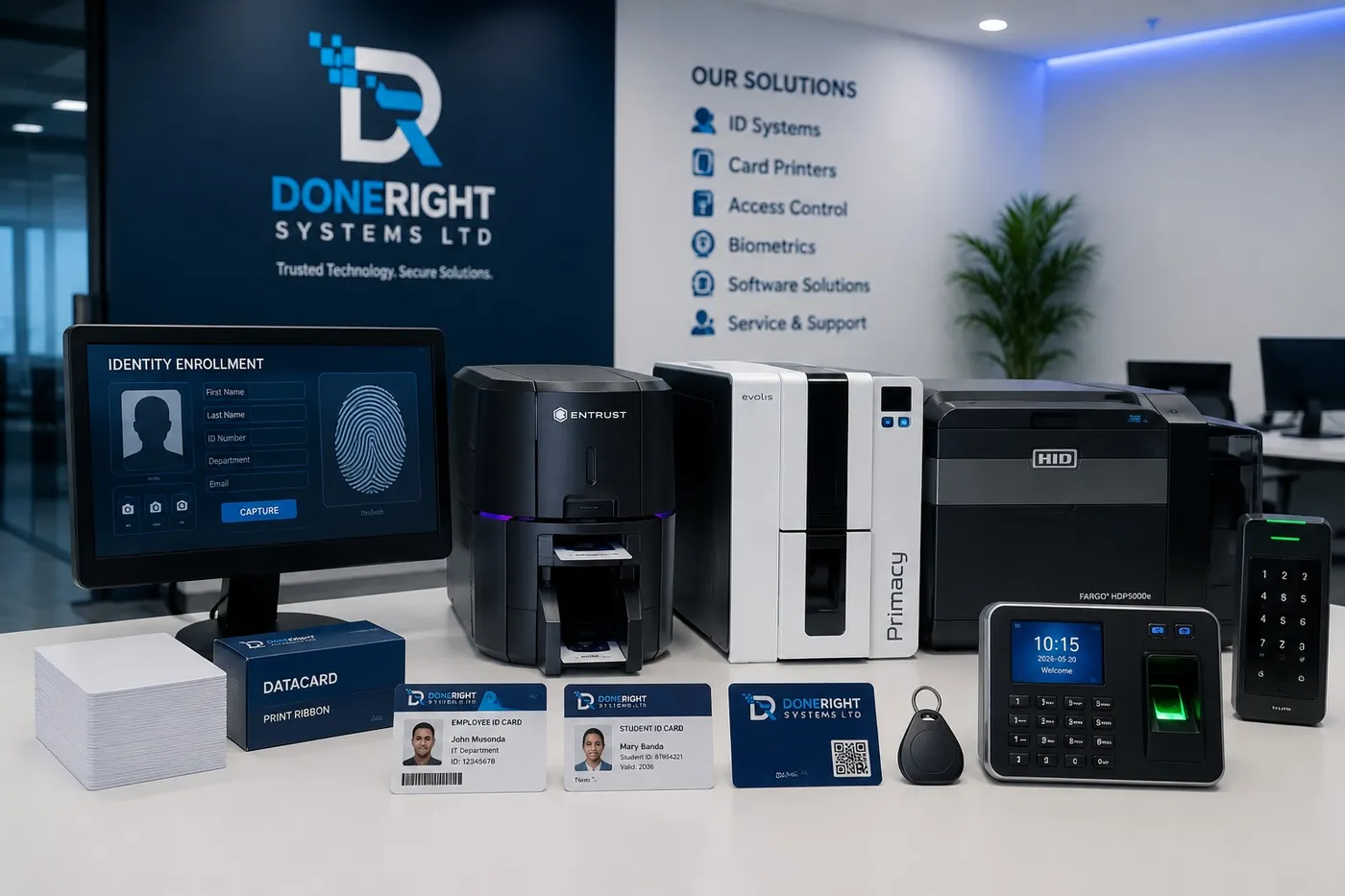
ID Card Printer Maintenance: How to Extend Your Printer's Life
A practical guide to ID card printer maintenance, from cleaning routines to service plans, so your printer keeps producing clean cards for years.
Why the HDP6600 is The Best 600 DPI Re-Transfer ID Card Printer
This article highlights the HDP6600 as the top re-transfer printer for efficient Zambia-based business operations with strong security and reliability features.