How to Choose the Right ID Card Printer for Your Organisation
A practical buyer's guide to choosing the right ID card printer for your Zambian organisation, from print volume and card technology to running costs.
Choosing an ID card printer is a bigger decision than it first appears. The right machine depends on how many cards you print, whether you need one or two sides, the security your cards must carry and how the printer fits your systems. This guide walks Zambian organisations through how to choose an ID card printer that suits your needs today and still serves you as you grow.
How to choose an ID card printer by print volume
Print volume is the single most important factor, because it separates two classes of printer.
- Entry level (desktop) printers are built for lower and moderate volumes. They suit schools issuing student cards once a term, small businesses, clinics and NGOs printing staff and member cards as needed. They are affordable, compact and easy to run.
- Production printers are built for high, continuous output and organisations that issue cards daily. Banks, mines, universities and government departments benefit from faster throughput, larger hoppers and heavier duty components that cope with sustained use.
Base your choice on your realistic monthly volume and peak periods rather than a yearly average. An entry level printer on a production workload leads to bottlenecks and premature wear, while a production printer for a few cards a month ties up budget.
Decide on single sided versus dual sided printing
Single sided printers print the front only. They are adequate when all your information, photo, name, role and logo, fits on one face.
Dual sided printers print both faces automatically in one pass. Choose dual sided when you need content on the back, such as terms and conditions, emergency contacts, a barcode or QR code, a signature panel or return instructions. Organisations often underestimate how quickly the front fills up, so if there is any chance you will need the reverse, specify dual sided from the outset. Some models upgrade later and others cannot, so retrofitting often costs more than choosing it now.
Understand direct to card versus retransfer quality
Printers differ in how they lay the image onto the card, which affects quality and which cards you can use.
- Direct to card (DTC) printing prints straight onto the card surface. It gives clear, professional results and is the most common and cost effective choice for most organisations. The one limitation is a small unprinted border at the card edge.
- Retransfer printing prints the image onto a clear film first, then bonds that film to the card under heat. This gives a true edge to edge, high definition finish and prints beautifully onto technology cards with uneven surfaces. It is the premium option where image quality and durability matter most.
For everyday staff, student and member cards, direct to card is almost always sufficient. Retransfer earns its place where you want the crispest photographs and logos, print over the full card face, or issue premium credentials such as banking or high security cards.
Match the card technology to your use
The printer must support the type of card your application needs. The main technologies are:
- Plain PVC cards carry only printed information, ideal for visual identification, membership and simple staff cards.
- Proximity (prox) cards contain a contactless chip read at short range, commonly used for door access and time and attendance.
- Smart cards hold data on a secure chip, contact or contactless, and support access control, cashless payment, secure login and multi application uses.
- Magnetic stripe (magstripe) cards store data on a swiped stripe, still widely used for access, loyalty and legacy systems.
If your cards need to open doors, log attendance or make payments, you will need a printer with matching encoding, contactless, contact chip or magnetic stripe, built in or added as a module. Confirm this before you buy, because encoding is not easily added afterwards. Tell your supplier exactly what the card must do.
Consider security and lamination needs
The more valuable the credential, the more you should invest in making it hard to copy or tamper with. Protection builds in layers:
- Standard cards with a printed design suit low risk internal identification.
- Holographic and custom security overlays add a visible, hard to replicate feature.
- Lamination applies a durable, often holographic patch or film over the card, greatly extending card life and adding a strong anti tamper layer.
Banks, government bodies, mines and large institutions usually need laminated, secured cards, because the credential controls access to money, restricted areas or official services. A small office often does not. Laminating printers and security consumables are a distinct, higher tier of the range, so if you may need lamination later, factor it into your choice now.
Weigh up software and integration
A printer is only as useful as the system driving it. Consider:
- Card design software for laying out your template, photos, logos and dynamic fields.
- Database and system integration so cards issue from your existing HR, student records, membership or access control system, not typed by hand.
- Encoding workflow so printing a card and programming its chip or stripe happen in one step.
- Network and multi user access if several departments or branches will issue cards.
For small deployments, the bundled software is often enough. Larger organisations should consider who issues cards, from where and against which record system.
Calculate the total cost of ownership
The purchase price is only part of the picture. The real cost over a printer's life comes from consumables and running costs, so compare on total cost of ownership, not the headline price.
| Cost element | What it covers |
|---|---|
| Printer | One off hardware purchase |
| Ribbons | Colour or monochrome ribbons, priced per number of prints |
| Cards | Blank PVC, prox, smart or magstripe cards |
| Lamination film | Only if you laminate; adds cost per card |
| Cleaning kits | Maintenance to protect print quality and warranty |
| Spares and service | Printheads and support over the printer's life |
Compare printers by estimating your cost per card, the combined ribbon and card cost per card printed. A cheaper printer that uses expensive ribbons can cost more over three years than a pricier model with economical consumables, so always ask how many prints a ribbon yields and what the cards cost. Genuine, correctly matched consumables also protect your printhead and print quality, whereas cheap incompatible supplies can damage the printer and void the warranty.
Why local supply, install, training and support matter
Even the best printer underperforms without the right supply chain and support behind it, and a local partner makes the difference. Doneright Systems Limited is a Lusaka based supplier that sells, installs, trains on and supports ID card printers, and issues genuine consumables from Lusaka stock, carrying brands including Entrust (Sigma and Artista), Zebra and Evolis. Buying and supporting locally means:
- Consumables on hand. Ribbons, cards and cleaning kits in Lusaka stock mean you are not grounded waiting weeks for supplies.
- Professional installation. The printer is set up, encoding configured and your template ready from day one.
- Training for your team. Staff learn to design, print, encode and maintain cards correctly, protecting your investment.
- Local service and support. For help, spares or a service visit, you deal with people in the same country and time zone.
- The right advice up front. A local partner helps you match volume, sidedness, card technology and security to your needs, so you buy the right machine once.
For Zambian schools, businesses, NGOs, banks, mines and government bodies, this mix of genuine hardware, local stock and hands on support turns a printer purchase into a reliable card issuance capability.
Conclusion
Knowing how to choose an ID card printer comes down to matching the machine to your requirements: print volume, single or dual sided, direct to card or retransfer quality, card technology and encoding, security and lamination, software, and total cost of ownership. Get those right, backed by a local partner, and your organisation can issue professional, secure cards for years.
For tailored advice or pricing for your volume and card type, request a quote from Doneright Systems and we will help you choose the right printer, supply genuine consumables, install it, train your team and support you from Lusaka.
Planning an ID card or security rollout?
Tell us what you are issuing, securing or tracking. A specialist responds within one business day.
- Genuine stock
- Zambia-wide delivery
- Local support
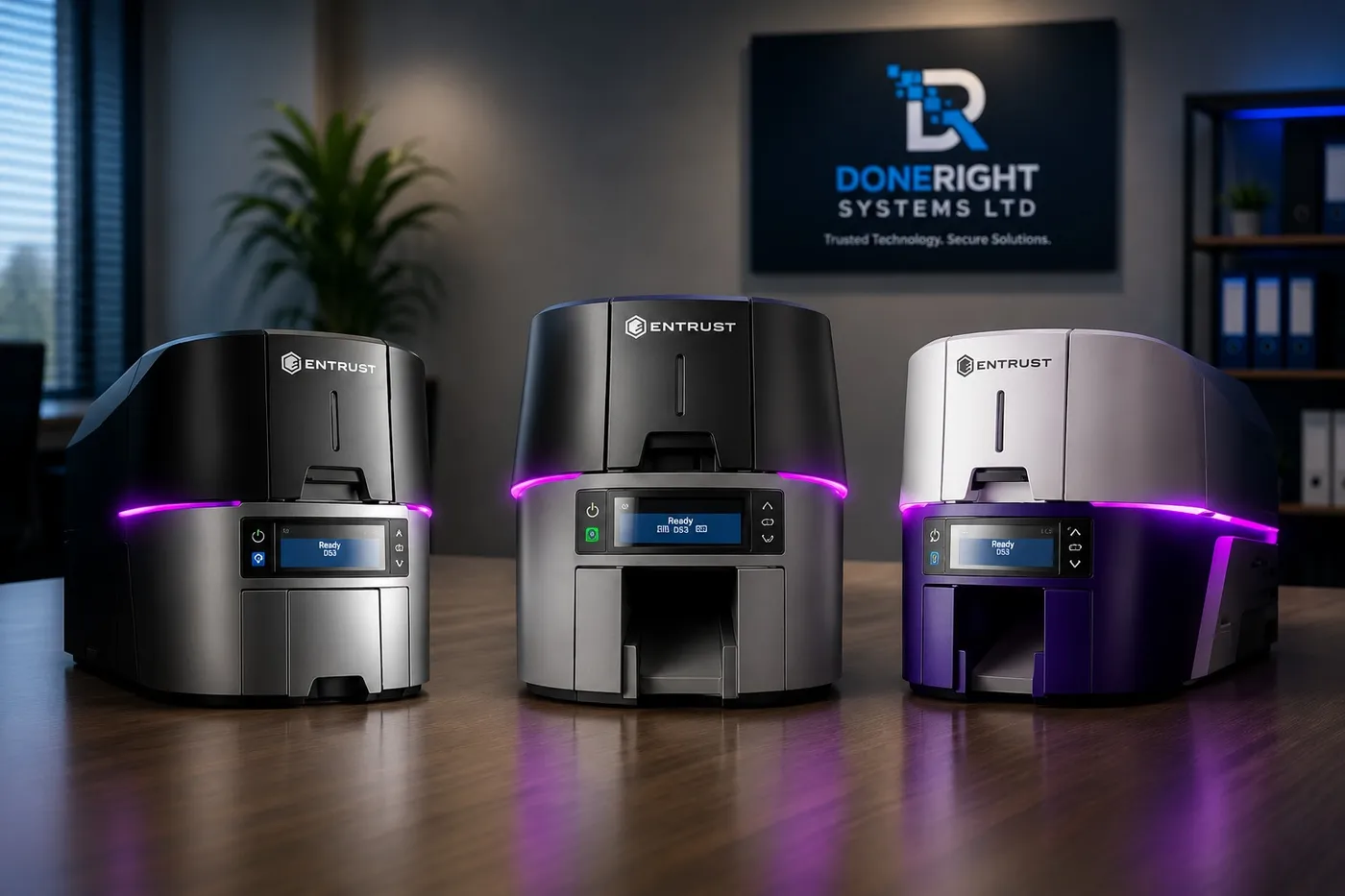
Entrust Sigma DS1, DS2 and DS3: Which Printer Should You Choose?
A practical guide to the Entrust Sigma DS1, DS2 and DS3 direct-to-card printers, helping Zambian buyers match the right model to their needs.
Single-Sided vs Dual-Sided ID Card Printers: What's the Difference?
A practical buying guide to help Zambian organisations choose between single-sided and dual-sided ID card printers based on card design, cost and future needs.
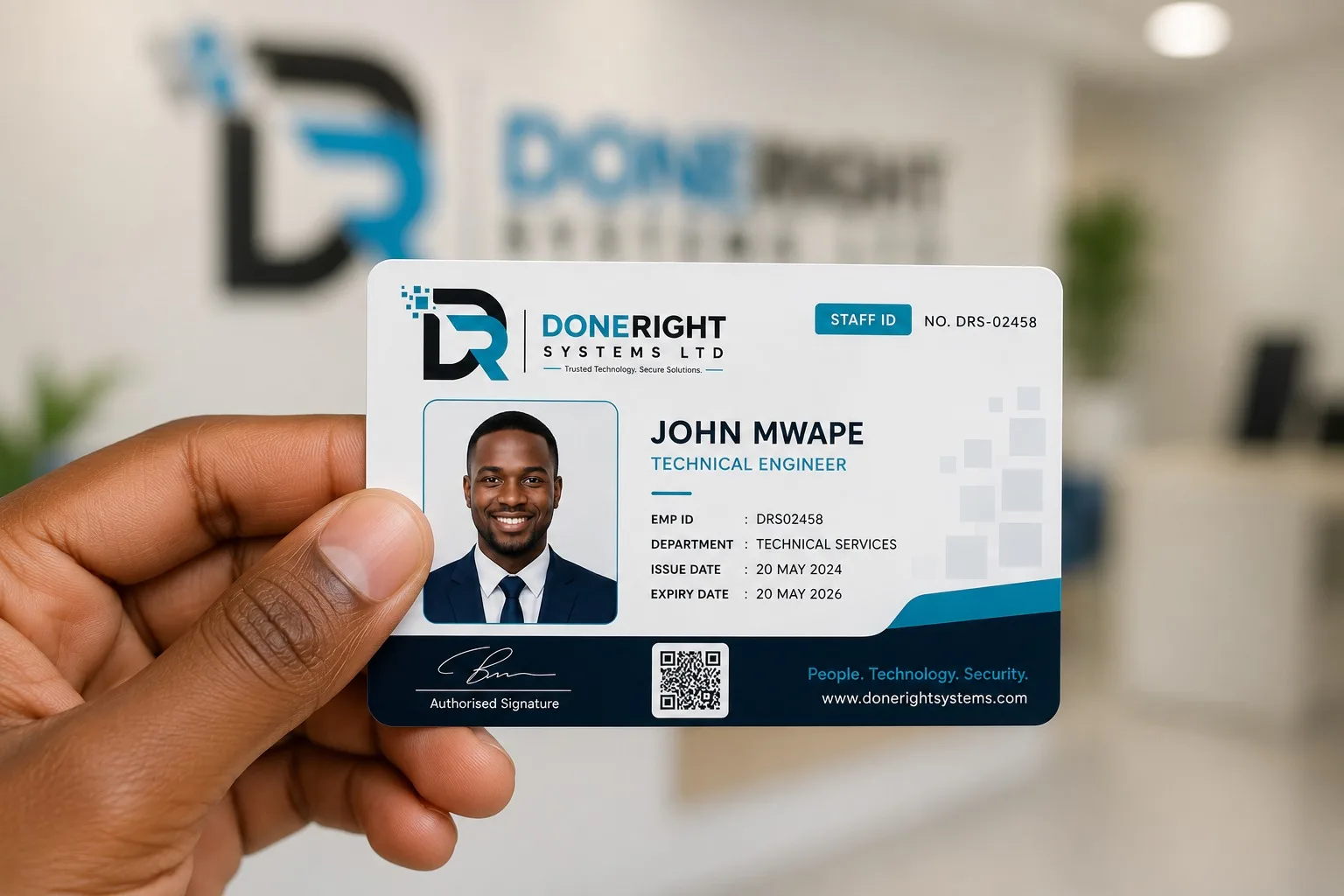
How Much Does an ID Card Printing System Cost in Zambia?
Understand what really drives the price of an in-house ID card printing system in Zambia, from hardware and consumables to local support.