How Much Does an ID Card Printing System Cost in Zambia?
Understand what really drives the price of an in-house ID card printing system in Zambia, from hardware and consumables to local support.
If you are budgeting for staff, student or member ID cards, one fair question comes first: what is the true ID card printing system cost in Zambia? There is no single sticker price, because a system is a bundle of parts and choices rather than one product. What you pay depends on the printer tier, how you encode and secure cards, your annual volume and your support needs. This guide breaks down the cost components so you can budget with confidence, without us pretending to quote a figure only your requirements can determine.
The components of an ID card printing system
A card issuance system is more than a printer, so compare complete systems. A cheap printer with the wrong software or consumables can cost far more over time. A typical in-house setup includes:
- The card printer. The centrepiece. Entry models print in single colour or full colour on one side, while higher tiers add dual-sided printing, faster throughput and more durable card finishes.
- Card design and issuance software. Where you lay out the card, pull in cardholder data, capture photographs and control who can print. Some printers ship with basic software, while enterprise environments often need database-linked or networked software.
- Blank cards. Standard PVC cards are the baseline. Composite, proximity, smart-chip and pre-printed cards cost more but suit specific security or access needs.
- Ribbons and consumables. Every printed card consumes ribbon and, on retransfer printers, a transfer film. This is the recurring cost most buyers underestimate.
- Encoders. If cards double as access, payment or membership tokens, you may need magnetic stripe, contact smart-card or contactless encoding built into the printer.
- A camera and capture station. For photo IDs, a webcam or dedicated camera, plus a backdrop and lighting, keeps images consistent.
The more of these you need, the higher the upfront investment. The right question is not how to strip the system down, but which components your use case requires.
Entry-level versus production printer tiers
The tier you choose is usually the biggest driver of hardware cost. We describe the tiers qualitatively rather than quote figures, because prices move with configuration, exchange rates and availability.
Entry-level printers
These suit organisations issuing a modest number of cards, for example a small school, a clinic or an SME issuing staff badges. They typically use direct-to-card printing, are compact, and cover single or dual-sided colour printing. They are the most affordable way to bring issuance in-house and are perfectly capable for everyday photo IDs.
Mid-range and production printers
As volume and security expectations rise, so does the tier. Production-grade machines offer higher print quality, faster cards-per-hour, larger hoppers, retransfer printing for edge-to-edge results, and richer encoding and lamination options. Banks, universities, mines and government departments issuing thousands of cards, or cards that must resist tampering, tend to sit here.
Brands such as Entrust (including the Sigma and Artista ranges), Zebra and Evolis span these tiers, so the exercise is matching a model to your volume, security and card-type needs rather than starting from a price and working backwards.
Consumables and cost-per-card thinking
Once a system is installed, your ongoing spend is dominated by consumables, so thinking in cost-per-card is far more useful than fixating on hardware price.
To estimate, take a ribbon's yield (how many cards it prints) plus the blank card cost, then divide the total by the number of cards produced. Factors that move your cost-per-card include:
- Colour versus monochrome. Full-colour ribbons cost more per card than single-colour ribbons used for text or barcodes.
- Single versus dual-sided printing. Printing both sides uses more ribbon.
- Retransfer film. Retransfer printers deliver superior durability and edge-to-edge printing, but the film is an extra consumable.
- Card type. Plain PVC is cheapest; smart, proximity and composite cards cost more.
- Lamination. A protective laminate or holographic overlay raises per-card cost but extends card life and deters forgery.
- Wastage. Rejected or reprinted cards add up, so software that reduces errors pays for itself.
A low hardware price paired with expensive or hard-to-source ribbons can end up costing more than a slightly dearer printer running efficient, genuine consumables. Model the lifetime cost, not just the purchase.
One-off costs versus ongoing costs
It helps to split your budget into two buckets so nothing surprises you.
| Cost type | Typical items |
|---|---|
| One-off (capital) | Printer, capture camera, issuance software licence, encoders, initial installation and staff training |
| Ongoing (operating) | Ribbons, transfer film, blank cards, laminates, cleaning kits, software maintenance or support, spare parts and servicing |
The one-off costs are what most people picture, but the ongoing costs determine total cost of ownership over the years. A realistic budget names both, and it is worth setting aside a small annual amount for preventive maintenance such as cleaning kits and printhead care, which protects print quality and extends the machine's life.
In-house issuance versus outsourcing
A foundational decision is whether to issue cards yourself or send the job to a bureau. Each model has a place, and the right choice depends on volume, turnaround and control.
In-house issuance means buying the system and producing cards on site. It rewards you with:
- Immediate turnaround, so a new employee or student can have a card the same day.
- Full control over data, which matters for privacy and for sensitive sectors like banking and government.
- Predictable per-card economics once volumes are steady, plus reprints and replacements on demand.
Outsourcing to a bureau can make sense for a one-off bulk run, or for very low volumes where owning equipment is hard to justify. The trade-off is longer lead times, less control over cardholder data and a per-card price that rarely improves with scale.
As a rule of thumb, if you issue cards regularly, need fast turnaround, or handle sensitive personal data, in-house issuance usually wins on cost and control over time.
Why buying local protects your investment
The cheapest quote is not always the lowest cost. A card printer only delivers value when it keeps running, and that depends on the ecosystem around it. Buying from a local Zambian supplier protects your investment:
- Reliable consumable supply. Genuine ribbons, films and cards held in Lusaka stock mean you are not idle for weeks waiting on an import when a ribbon runs out.
- Professional installation. Correct setup, encoding and software integration from day one avoids costly misconfiguration.
- Hands-on training. Your team learns to design cards, capture photos and handle routine maintenance in-house.
- Warranty and support. A local warranty and a reachable support desk mean faster resolution, rather than shipping a machine abroad.
- Genuine consumables. Manufacturer-approved ribbons and cards preserve print quality, protect the printhead and keep your warranty valid.
Doneright Systems Limited is a Lusaka-based supplier that sells, installs, trains on and supports ID card printers, and issues genuine consumables from Lusaka stock, across brands including Entrust, Zebra and Evolis. That local presence turns a printer purchase into a dependable issuance capability.
How to get an accurate quote on ID card printing system cost in Zambia
Because every deployment differs, the fastest route to a real number is a short conversation about your requirements. It helps to know the following before you reach out:
- Card volume. Roughly how many cards per week, month or year?
- Print needs. Single or dual-sided, colour or monochrome, and any security features such as lamination or holograms.
- Card technology. Plain photo ID, or magnetic stripe, smart-chip or contactless encoding for access, time and attendance or payment?
- Software and users. Standalone design or integration with a database or HR system, how many operators, and one site or several.
- Support level. Whether you want installation, training and an ongoing consumables and service plan.
With those details, we can recommend a printer tier, the right software and encoding, and a consumables plan, then quote a tailored figure for the one-off and ongoing costs.
Conclusion
There is no honest one-line answer to the ID card printing system cost in Zambia, because the figure is shaped by your printer tier, encoding, card volume, security needs and support level. What you can rely on is a clear structure: budget hardware and software as capital, model consumables as a cost-per-card, weigh in-house issuance against outsourcing, and value the local supply, installation, training and warranty that keep the system running. When you are ready for a precise figure, request a quote from Doneright Systems Limited, and we will help you specify the right system with realistic numbers for today and the years ahead.
Planning an ID card or security rollout?
Tell us what you are issuing, securing or tracking. A specialist responds within one business day.
- Genuine stock
- Zambia-wide delivery
- Local support
How to Choose the Right ID Card Printer for Your Organisation
A practical buyer's guide to choosing the right ID card printer for your Zambian organisation, from print volume and card technology to running costs.
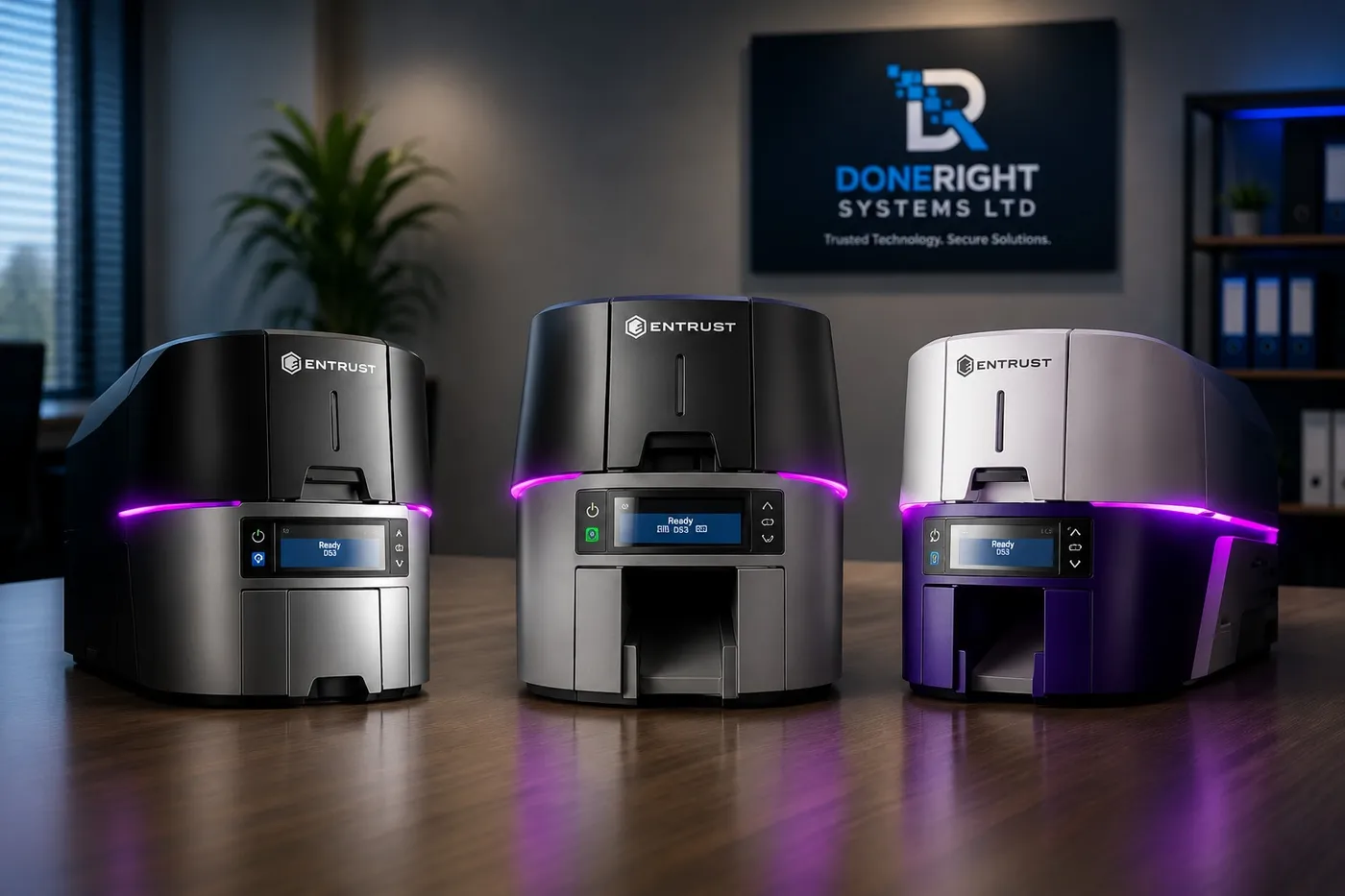
Entrust Sigma DS1, DS2 and DS3: Which Printer Should You Choose?
A practical guide to the Entrust Sigma DS1, DS2 and DS3 direct-to-card printers, helping Zambian buyers match the right model to their needs.
Single-Sided vs Dual-Sided ID Card Printers: What's the Difference?
A practical buying guide to help Zambian organisations choose between single-sided and dual-sided ID card printers based on card design, cost and future needs.