Single-Sided vs Dual-Sided ID Card Printers: What's the Difference?
A practical buying guide to help Zambian organisations choose between single-sided and dual-sided ID card printers based on card design, cost and future needs.
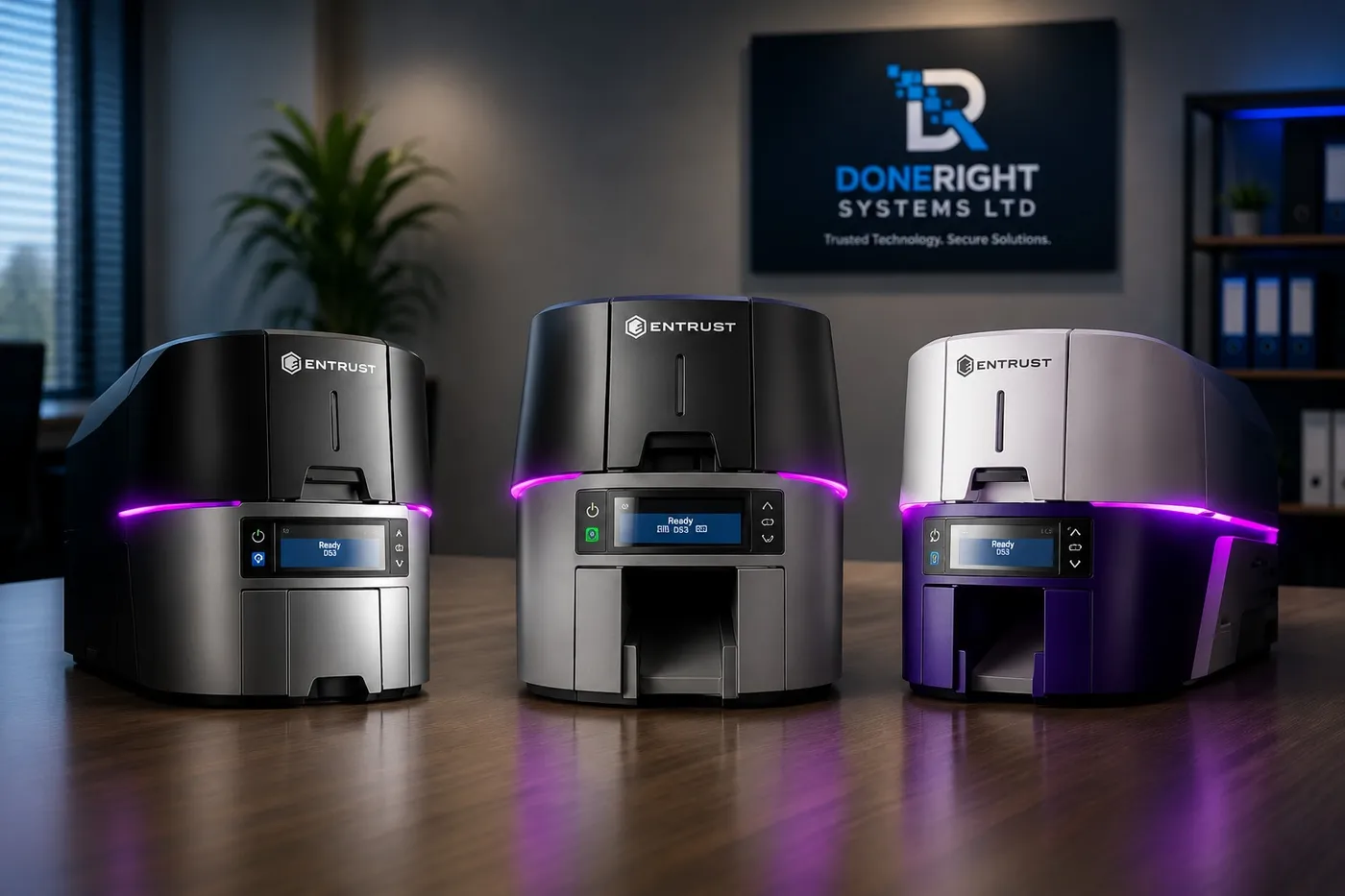
Choosing the right ID card printer starts with one simple question: do you need to print on one side of the card, or both? Getting the single sided vs dual sided card printer decision right saves money and stops you buying more machine than you need, or less than your cards demand. This guide covers what each option does, when the back of a card earns its keep, and how to future-proof the choice in Zambia.
What Single-Sided Printing Covers and Its Limits
A single-sided printer prints on the front face of the card only, and for a very large share of ID programmes that is all you need. On one side you can comfortably fit a photo, a name, a job title or membership category, a logo, a card number and a colour band that signals department or access level.
The limits appear as your design grows: everything shares one face, so the layout gets crowded. A single-sided card typically cannot carry:
- Terms and conditions or acceptable-use text
- A signature panel or return-if-found instructions
- A separate barcode or QR code once the front is full
- Printed content alongside an encoded magnetic stripe on the reverse
If your card is essentially a photo, a name and a logo, single-sided is the sensible, economical choice. Most staff badges, event passes, student cards and basic membership cards sit here.
What Dual-Sided (Duplex) Printing Adds
A dual-sided printer, also called a duplex printer, prints the front and back of the card in a single pass. The card is flipped internally, so an operator does not remove it, turn it over and feed it again. That is the key difference from manually printing a second side, which is slow and prone to misalignment.
Duplex printing effectively doubles your usable design space. The front stays clean and human-facing with the photo and name, while the back carries machine-readable, legal or supporting information. For many organisations the deciding factor is not that they must print two sides today, but that they want the flexibility to do so later.
When the Back of the Card Is Worth Printing
The back earns its place when you need information that does not belong on the front, or will not fit. These are the most common reasons organisations move to dual-sided printing.
Terms, conditions and ownership text
Banks, government bodies and larger employers often need small-print terms, a property-of statement, or return instructions if the card is lost. This sits naturally on the reverse and keeps the front uncluttered.
Barcodes and QR codes
If you scan cards for attendance, asset control, event check-in or a membership lookup, a barcode or QR code on the back keeps it clear of the photo and branding. Scanners read a clean, dedicated area far more reliably.
Magnetic stripe and encoded data
A magnetic stripe sits on the reverse of the card. If you encode a stripe, you will usually want to print instructions, a helpline number or a signature panel around it. Printers that encode tend to be duplex-capable, so the two go together.
Emergency and contact information
Schools, mines, hospitals and NGOs frequently print emergency contacts, a blood group, a site-safety note or a next-of-kin line on the back. On a staff or student card this can matter a great deal, and there is rarely room on the front.
If one or more of these applies, the back is not decoration; it is doing real work.
Speed and Cost Trade-Offs
Dual-sided printing is not free. The main trade-offs are:
- Hardware cost. Duplex-capable machines cost more than equivalent single-sided models because of the internal flip mechanism.
- Consumables. Printing a second side uses more ribbon and, depending on your setup, more overlay or film, so the cost per card rises.
- Throughput. A two-sided card takes longer to produce, so a large run takes more time, though a duplex printer is still far quicker than manual double-siding.
Against that, running out of design space mid-programme is expensive too: buy single-sided, later need a barcode or terms on the back, and you may replace the printer entirely. The table below sums up the trade-offs.
| Consideration | Single-sided | Dual-sided (duplex) |
|---|---|---|
| Design space | Front only | Front and back |
| Card cost | Lower | Higher per card |
| Print speed | Faster per card | Slower per card |
| Barcode, magstripe, terms | Limited | Comfortable |
| Upfront hardware cost | Lower | Higher |
Upgradeable Models vs Fixed
One detail can change the decision entirely: some printer families let you add duplex printing later, while others fix the capability at the point of purchase.
Several models Doneright supplies are field-upgradeable: you can buy a single-sided unit now and add a dual-sided module when your needs grow, rather than replacing the whole machine. Others are sold as fixed single-sided or fixed dual-sided units.
This matters for budgeting. If you are fairly sure you will need two sides within a year or two, an upgradeable single-sided printer, or buying duplex from the start, is usually cheaper than buying twice. If your cards will stay single-sided, a fixed unit keeps the upfront cost down. We can confirm which models can be upgraded, since it varies by brand and series.
Examples Across the Range Doneright Supplies
Doneright Systems carries printers from Entrust, Zebra and Evolis, and across those brands you will find single-sided units, dual-sided units and upgradeable options. It helps to think about where each type fits.
- Entry-level and desktop printers. Often single-sided, these suit schools, small businesses and membership organisations printing straightforward photo-and-name cards. Many have a duplex option so you are not boxed in.
- Mid-range office printers. A common home for organisations wanting clean front-facing branding plus a barcode or terms on the back. Duplex and encoding options are widely available, suiting banks, NGOs and government departments.
- High-volume and retransfer printers. Where card quality, durability and encoding matter, dual-sided and encoding capability is standard. Mines, universities and institutions issuing thousands of cards tend to sit here.
Because features differ by model, the safest approach is to match a printer to your card design and volume with our team, not a spec sheet alone.
Making the Decision Based on Your Card Design
The cleanest way to decide is to design the card first, then choose the printer. Sketch both faces of the card you want to issue and ask:
- Does everything important fit comfortably on the front with room to breathe? If yes, single-sided may be all you need.
- Do you need a barcode, QR code or magnetic stripe? If yes, plan for the back.
- Are there terms, emergency details, a signature panel or ownership text to include? If yes, you need two sides.
- How many cards will you print, and how quickly? High volumes make throughput and consumable costs matter more.
If the front is doing all the work and always will, do not pay for capability you will not use. If two or more answers point to the back, dual-sided is the right call.
Future-Proofing Your Single Sided vs Dual Sided Card Printer Choice
ID programmes rarely stay still. A staff badge that starts as a photo and a name often grows a barcode for attendance, then a QR code for visitor systems, then emergency details after a safety review. When you weigh single sided vs dual sided card printer options, factor in where your programme is heading, not just where it is now. Two sensible ways to protect the decision:
- Choose an upgradeable model so you can add duplex later without replacing the printer.
- Buy duplex from the start if a two-sided requirement is on the horizon, since it is usually cheaper than buying twice.
Whatever you choose, buying from a supplier who stocks genuine consumables locally keeps your printer running. Doneright holds genuine ribbons and supplies in Lusaka stock, installs, trains your team and supports the machine after the sale, so a growing card programme never stalls for parts.
Conclusion: Get the Right Advice Before You Buy
The single sided vs dual sided card printer decision comes down to your card design, your volumes and your plans for the next few years. Single-sided is economical and perfect for simple photo-and-name cards. Dual-sided pays for itself the moment you need barcodes, magnetic stripes, terms or emergency details on the back.
If you are unsure which side of the line you fall on, talk it through with people who fit these printers every week. Request a quote from Doneright Systems and we will match a printer from our Entrust, Zebra and Evolis range to the cards you want to issue, then install, train and support it from Lusaka.
Planning an ID card or security rollout?
Tell us what you are issuing, securing or tracking. A specialist responds within one business day.
- Genuine stock
- Zambia-wide delivery
- Local support
How to Choose the Right ID Card Printer for Your Organisation
A practical buyer's guide to choosing the right ID card printer for your Zambian organisation, from print volume and card technology to running costs.
Entrust Sigma DS1, DS2 and DS3: Which Printer Should You Choose?
A practical guide to the Entrust Sigma DS1, DS2 and DS3 direct-to-card printers, helping Zambian buyers match the right model to their needs.
How Much Does an ID Card Printing System Cost in Zambia?
Understand what really drives the price of an in-house ID card printing system in Zambia, from hardware and consumables to local support.